






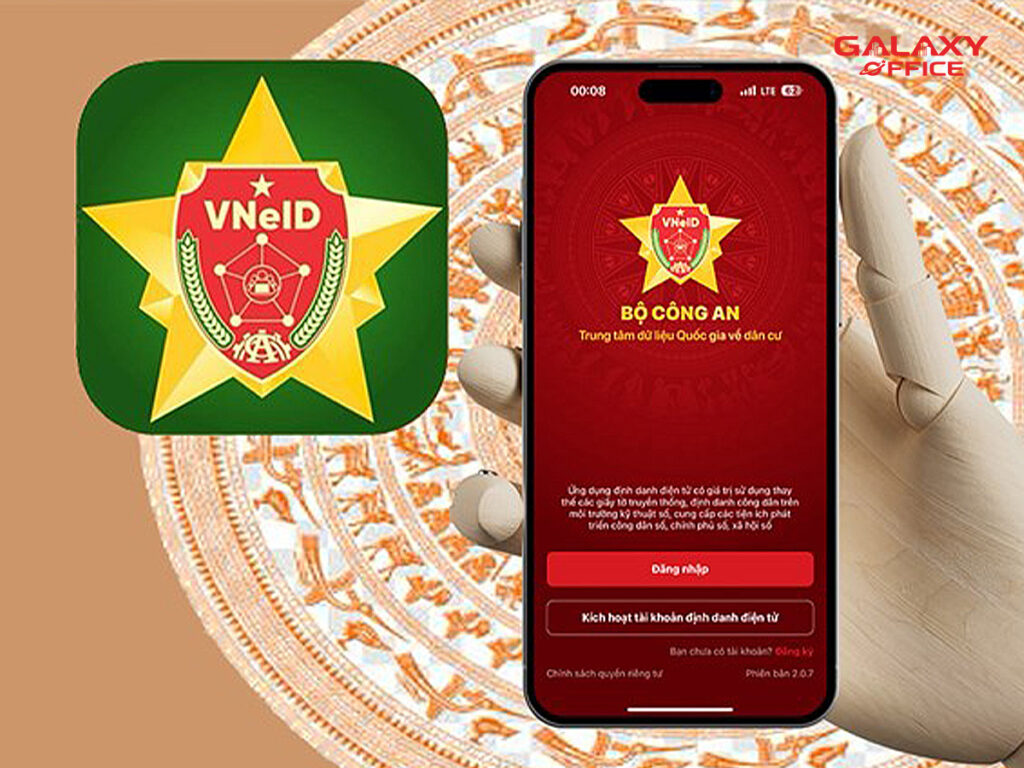
Why is it necessary to update your new address and hometown?
Starting July 1, 2025, the two-tier local government model (province – commune) will be implemented nationwide. The district/county level will be abolished, resulting in significant changes to administrative boundaries. This will directly affect residents' residence information.
Competent authorities, particularly commune-level police, have automatically updated residence data in the National Population Database and VNeID system. Citizens do not need to go through the traditional paperwork process.
Updated information is displayed on VNeID and has the same legal validity as the original documents. This ensures accuracy and speed in administrative transactions.
Steps to view your new address and hometown on VNeID
Step 1: Update and log in to the app
- Update VNeID to the latest version (minimum 2.1.20 or higher) on the App Store/Google Play.
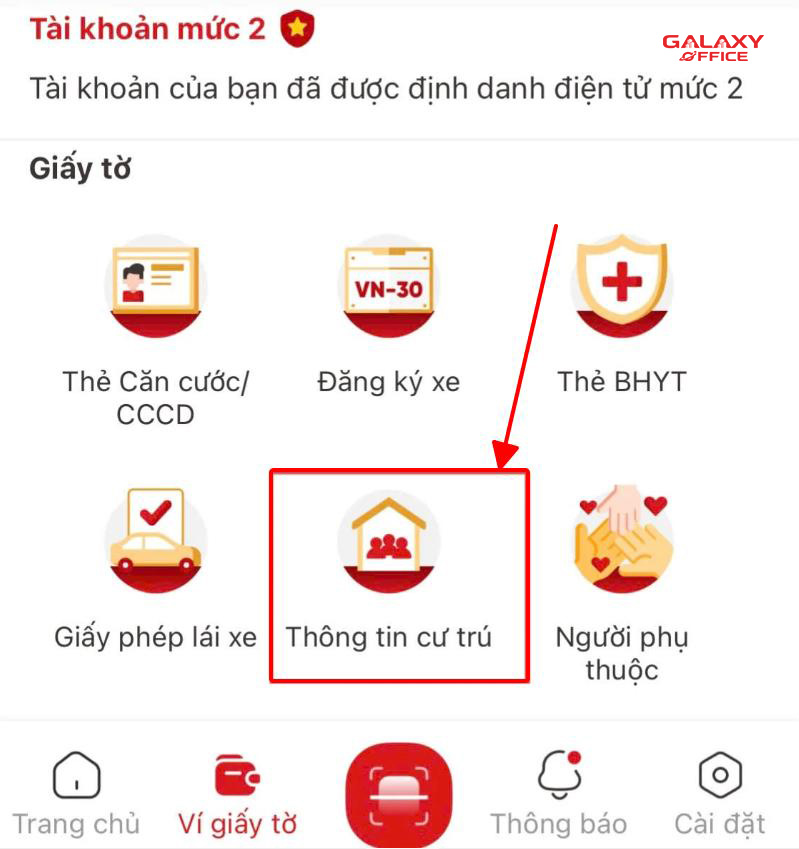
- Ensure you have a Level 2 electronic identity account (as per the Police Department's guidelines) to use all features.
Step 2: Verify the version
- Go to the “Personal” section, scroll down to the bottom of the screen to check the app version.
Step 3: Access the “Document Wallet” section”
- On the main interface, select “Document Wallet” located on the bottom menu bar.
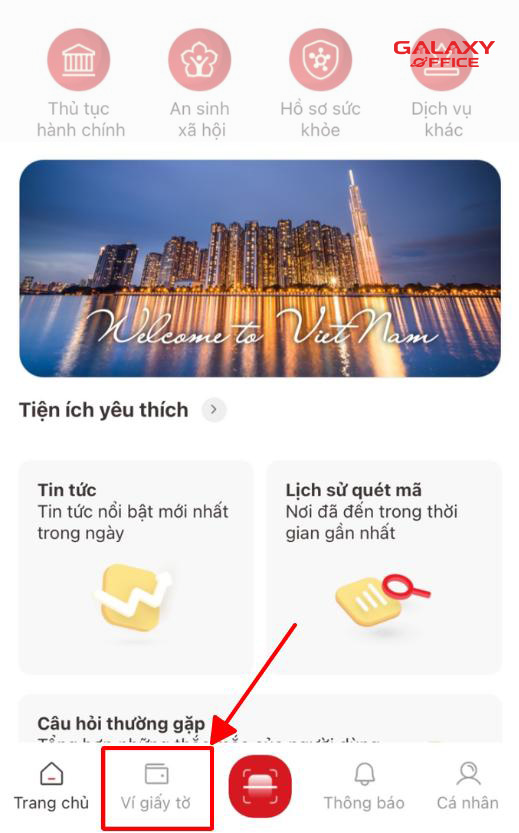
Step 4: Select “Residence Information”
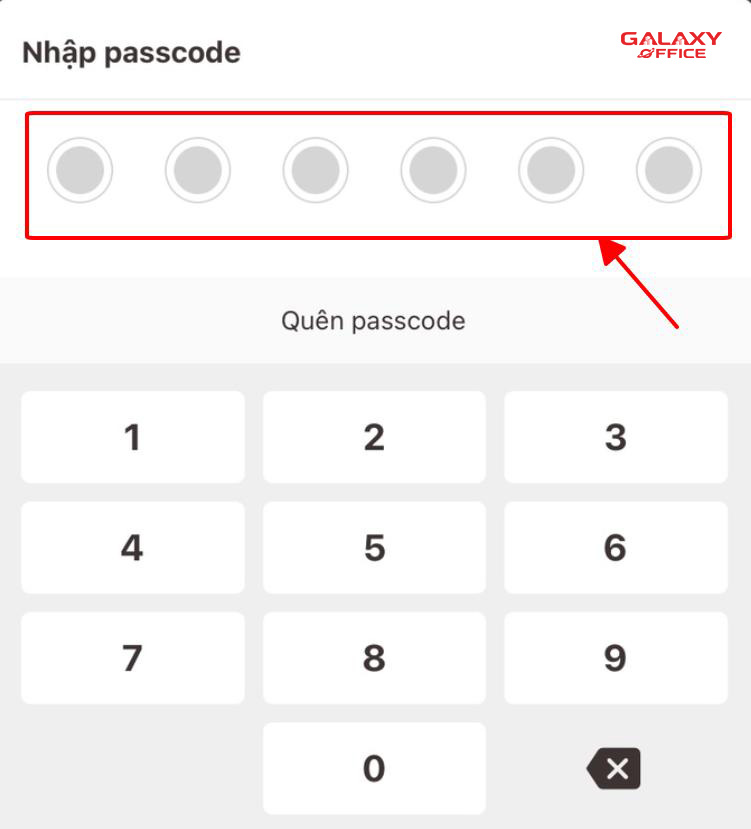
Step 5: Enter the security passcode
- The system requires a PIN/Passcode to be entered to display detailed information.
Step 6: View updated information
New items displayed:
- Administrative information: Full name, ID card number, gender, date of birth, ethnicity, nationality, place of origin.
- Residence information: Place of birth registration, permanent residence, temporary residence, current address.
- Household information: List of members, relationship to head of household, date of birth, identification number
Comparison and storage:
- Compare the new address with the old address printed on the CCCD/CMND to identify changes after the merger.
- The application allows you to directly present your electronic household registration book during transactions when necessary.
Important note
- Automatic updates: Data is processed by the competent authority; you do not need to visit the office to make adjustments.
- Information security: Never share screenshots of VNeID containing personal information online; only download apps from official sources to avoid fraud risks.
- Support hotline: Call 1900 0368 or email hotrovneid@bocongan.gov.vn if you need clarification or technical support
Galaxy Office – A reputable and professional office consulting and leasing company in Ho Chi Minh City
Galaxy Office is proud to be a leading address in the field of Office space for rent in Ho Chi Minh City. Not only in terms of quality, but also in terms of diversity and flexibility in our services. We not only provide modern and convenient office solutions, but also focus on cost-effectiveness and efficiency in every transaction.
If you are looking for a reliable partner to rent an office, contact Galaxy Office immediately via our hotline: 0939.663.882. Our team of specialists will attentively listen to and advise you on all your requirements, helping you choose the office space that best suits your business's specific needs and accompanying you on the road to success.

If you would like us to proactively contact you for support, please fill out the form below:
Galaxy Office sincerely thanks you for your interest. We wish you much joy and success in life!
Contact information:
- Headquarters: 9th Floor, Diamond Plaza Building, 34 Le Duan Street, Ben Nghe Ward, District 1, Ho Chi Minh City.
- Branch: 4th Floor, Van Loi Building, 24 Dang Thai Mai Street, Ward 7, Phu Nhuan District, Ho Chi Minh City.
- Hotline: 0939.663.882
- Email: info@galaxyoffice.vn
# Galaxy Office # Office Rental